
Certificate Authenticity Verification

The authenticity of the certificate can be verified in three ways: by certificate number, barcode, and QR code.
You can verify the original using each method and compare it with the submitted certificate to check for any discrepancies.
Certificate Original Verification
The input method differs depending on whether a hyphen is included.
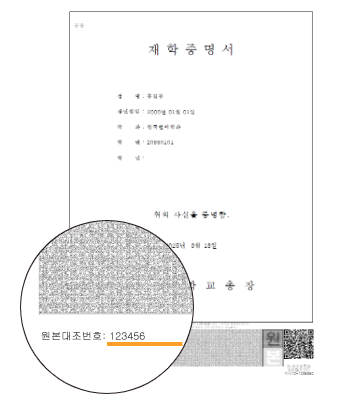

To proceed with original verification, please download and install the Print Certificate Viewer.
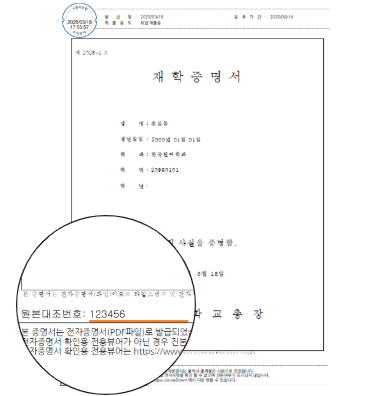
PDF Verification
Electronic certificate PDF files can be viewed and verified for authenticity using the dedicated viewer.

To proceed with original verification, please download and install the Electronic Certificate Viewer.
Barcode Verification
Certificates with a 2D barcode printed at the bottom can be compared against the original using the barcode verification program.
Please install the program that matches the barcode type, then scan the certificate's barcode to verify the original.

To proceed with barcode verification, please download and install the viewer.
Mobile Verification
Scan the certificate's QR code with your smartphone to compare it with the issued original and check for forgery or alteration. Only certificates issued within the last 180 days can be verified via mobile.
※ Patented technology registered by I&Tech Co., Ltd. (Patent Registration No.: 10-1039390)
-
Install App
Scan the QR code with your phone to install the app
-
Launch App
Launch the installed app
-
Scan Certificate QR Code
Scan the QR code at the bottom of the certificate
-
Automatic Loading of Original Certificate
Verify the authenticity of the certificate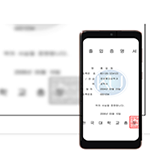

To use mobile verification, install the QR Original Verification app, then scan the certificate's QR code to proceed with original verification.